01
Debug either side of TCP
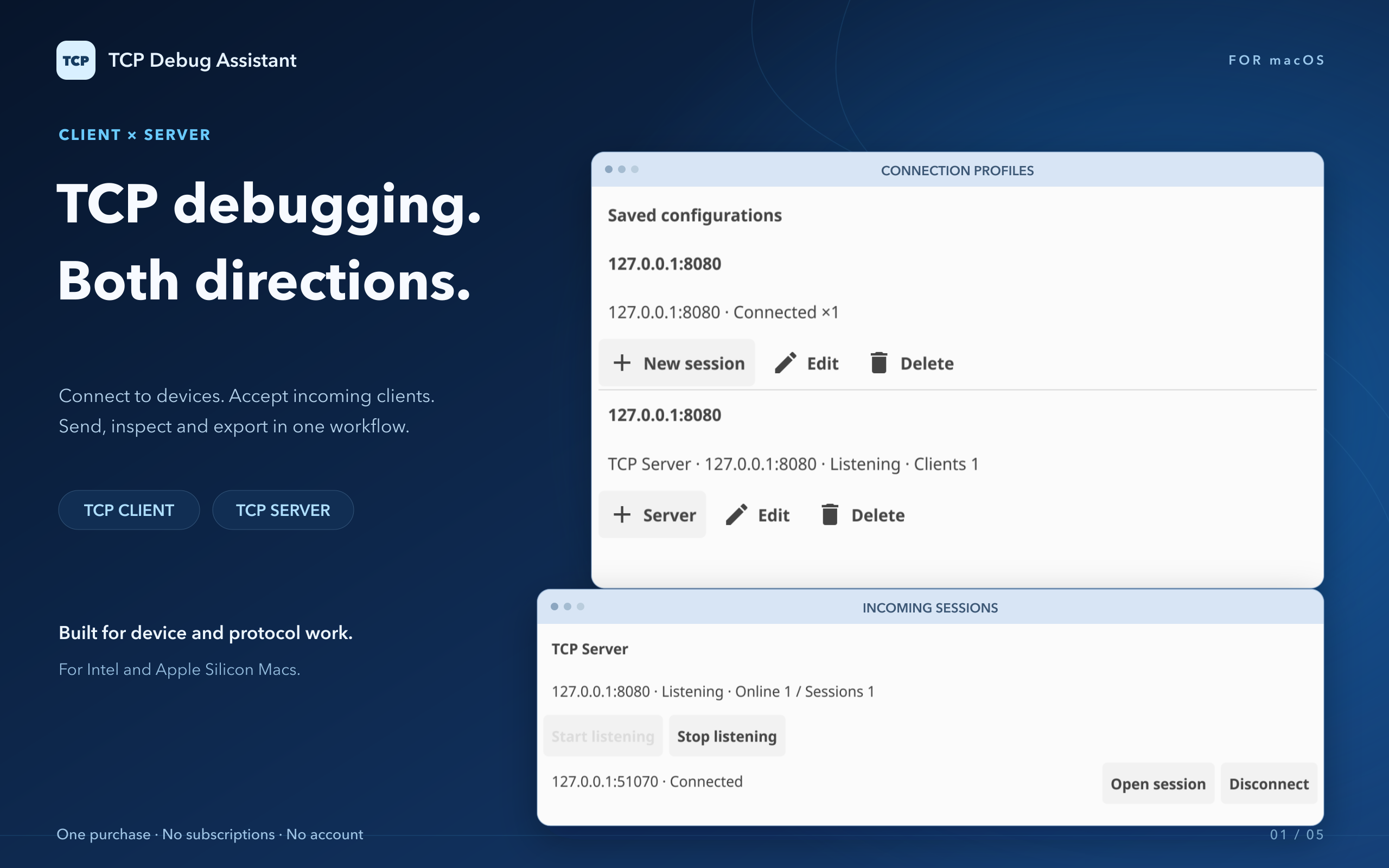
Open a TCP connection or listen on a port for devices. Manage each connected client in its own session.
From client connections to server listeners, from a single packet to a full session. A clearer way to test TCP devices, inspect data, and troubleshoot connections.
One-time purchase on Mac · Free on Windows / Linux
Built for connections. Ready for details.
For network development, device testing, and protocol troubleshooting.
Keep everyday tasks in one workflow.
Open a TCP connection or listen on a port for devices. Manage each connected client in its own session.
Switch between HEX, ASCII, Binary, and JSON. Frame packets by length prefix, delimiter, or fixed length.
Inspect packets one by one or read a continuous session stream, with clear send/receive direction, connection status, and byte counts.
Reuse sent messages and schedule repeated sends. Export packets as CSV, JSON, or TXT for further analysis.
Choose Simplified Chinese or English and apply it instantly. Your active connections keep running.
Choose a dark or light theme, word wrapping, monospace text, or a data-only view for comfortable reading.
Protocol assistant · Mac App Store 1.4.0
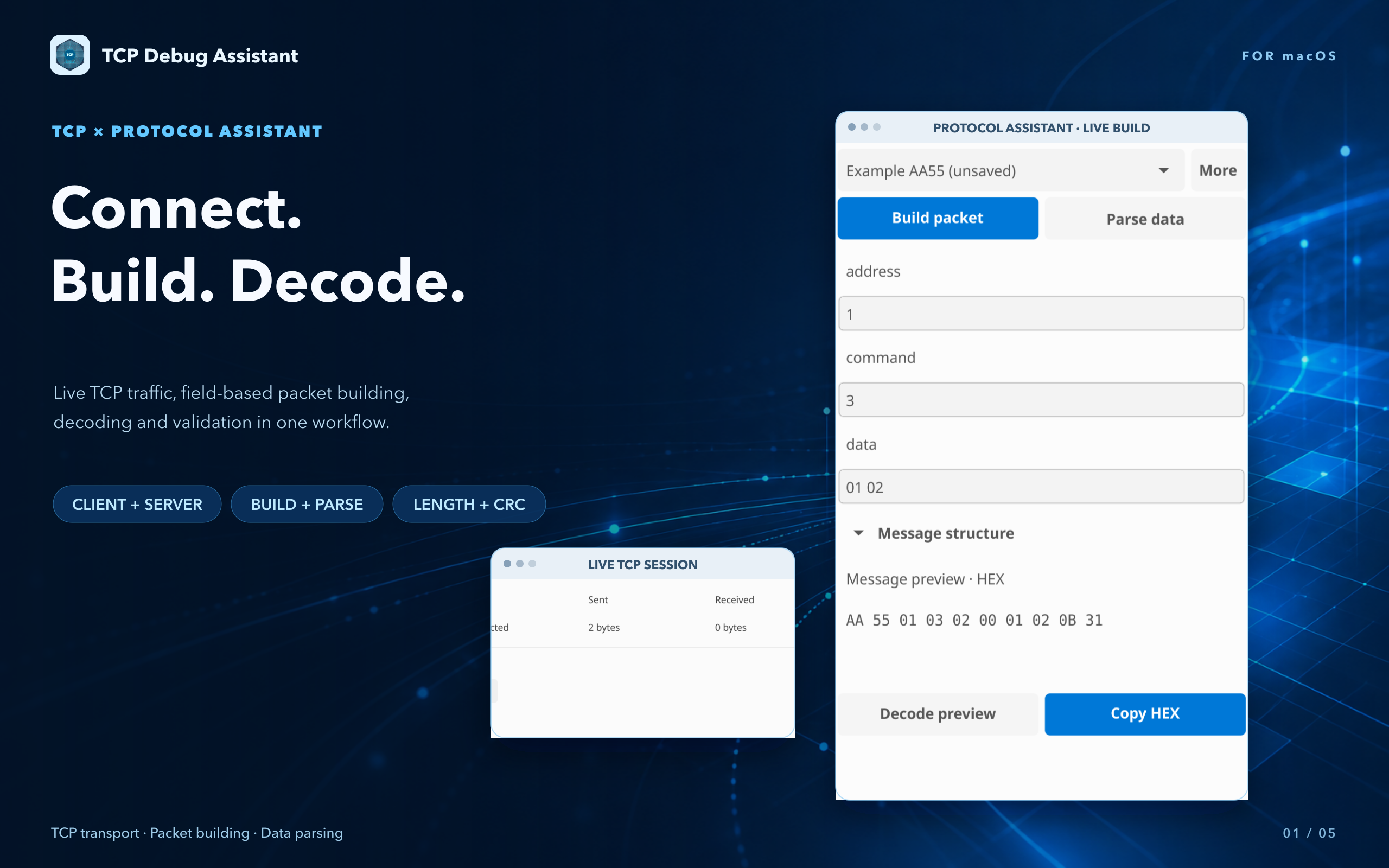
Keep protocol definitions, field-based packet building, and verification in one workspace. Prepare and validate data without connecting to a device.
The protocol assistant ships with Mac App Store 1.4.0. You still confirm every send manually; AI never reads connection traffic or replies to devices automatically.
A closer look at the real app
Switch between light and dark themes.
Keep your everyday tools close at hand.
Ready for your next connection
TCP Debug Assistant
The same workflow across desktop platforms.
Intel and Apple Silicon · App Store 1.4.0
Install and update through the App Store, including the protocol assistant.
x64 · Standalone executable
Download and launch.
x64 and ARM64
For Debian 12-compatible desktop systems.